Birthday Ideas · Web Design & Layouts · Published 2026-11-21 · Updated 2026-11-23
Creative Birthday Websites You Can Make for Free
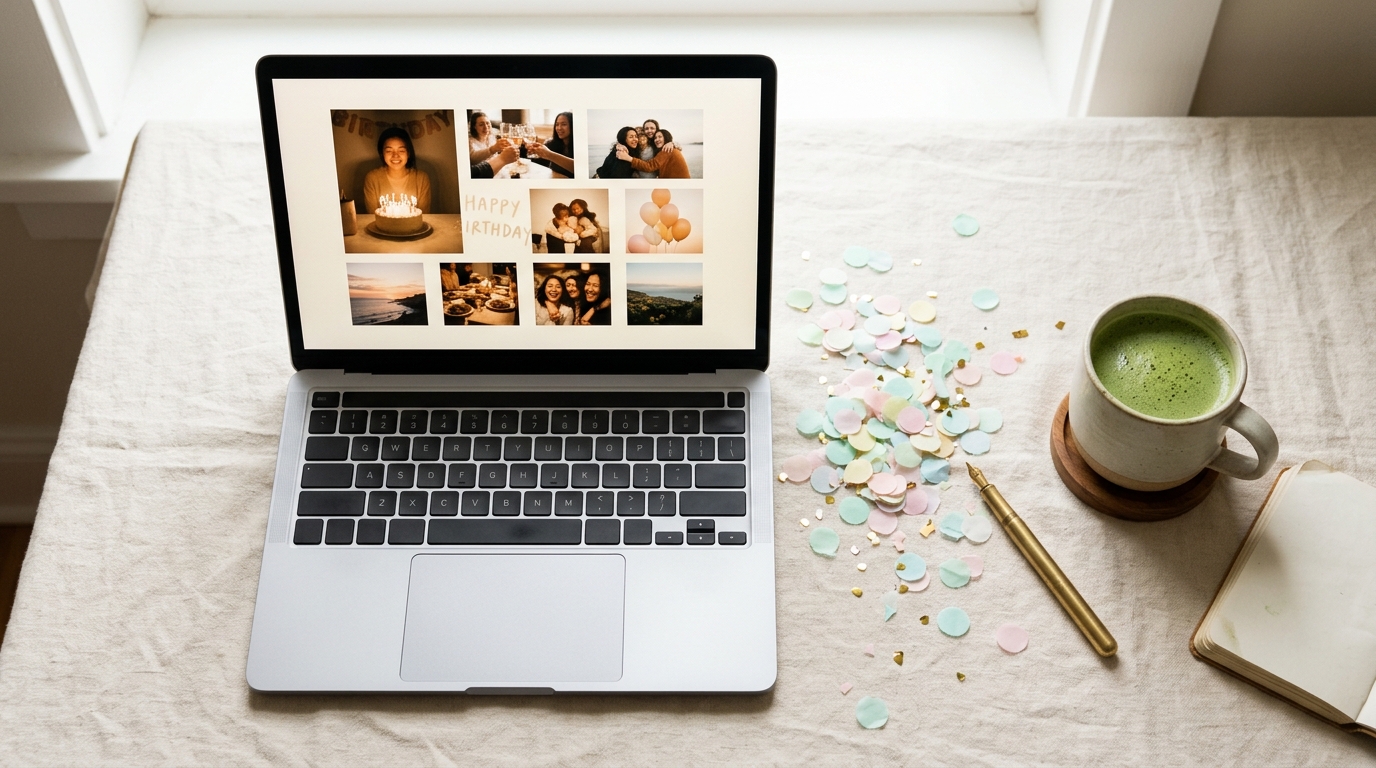
Most people who set out to make a birthday website end up copying the same stiff structure: huge flashing confetti GIFs, awkward centered stock fonts, and one tiny box for a message. Yet creative birthday websites can feel just as refined, funny, or deeply personal as an independent print magazine—without touching HTML or paying for web hosting.
The secret lies in picking a strong concept before choosing colours. Below are five genuinely different birthday website themes, ideal section layouts, mobile-readability tips, and practical advice on how Surprizo’s actual features let you build and share them privately in minutes.
5 Creative Birthday Website Concepts Worth Trying
Instead of mixing every mood together, match your webpage concept to the birthday person’s personality:
1. The "Birthday Morning Gazette" Editorial Keepsake
Style the page with warm ivory surfaces, crisp serif headings, and short reflective paragraphs treating their past year like a special weekend feature issue. Surprizo’s classic paper patterns paired with Open the Letter wax seals bring this calm editorial mood together naturally.
2. The Polaroid Trip & Highlight Memory Wall
Ideal for friends and partners after a year full of travels, moves, or adventures. Center the experience around flipping pinned photo cards and pairing a cherished snapshot directly from your camera gallery as the surprise reveal.
3. The Interactive Roast & Scratch-Off Award Show
For friends who hate mushy speeches, wrap your genuine wishes inside high-energy bold templates, humorous inside-joke memes, and a tactile Scratch Card or Spin the Wheel reveal awarding playful virtual titles.
4. The PIN-Protected Midnight Time Vault
Build intrigue by setting a reveal countdown timer leading up to midnight alongside a 4-digit PIN lock tied to their birth year or lucky number, turning the opening moment into an interactive puzzle.
5. The Warm Coffee-Break Note With Ambient Song Mood
Keep visuals ultra-minimal: warm butter-cream or lavender tones, short spaced paragraphs broken up by subtle heart dividers, and an optional 30-second licensed music preview playing softly as they read.
How to Structure Your Birthday Webpage Sections for Flow
Good digital pacing feels effortless because each block gives the eye somewhere calm to rest:
Recommended 4-Part Birthday Page Architecture
- 1. Hero Opening: Warm greeting headline featuring the recipient’s name, sender credit, and subtle visual pattern setting the tone.
- 2. Formatted Letter Block: Two to four short paragraphs using bolding and heart dividers intentionally so key thoughts stand out cleanly.
- 3. Visual Keepsake Moment: One crisp photo or caption card directly tied to the story inside your letter.
- 4. Interactive Reveal Finale + Reaction Prompt: A ribboned Gift Box, Secret Envelope, or Memory Wall that unlocks the final gift and invites them to send back a reaction.
Why Mobile-First Formatting Makes or Breaks a Birthday Webpage
Overwhelmingly, recipients tap birthday links inside WhatsApp, iMessage, or Instagram DMs while sitting on the train, grabbing morning coffee, or lying in bed. A birthday webpage that looks gorgeous on a 27-inch monitor can look broken on a phone if paragraphs run endlessly or large graphics push buttons off screen.
When building free birthday websites, always test on a vertical phone viewport first: keep sentences crisp, confirm photos crop cleanly without cutting off faces, and use tools like Surprizo where starter templates are already engineered for touch gestures (like finger-rubbing Scratch Cards) on mobile screens.
Three Design Habits That Keep Free Birthday Websites Looking Sharp
Non-designers often assume creative websites require neon sparkles or animated stickers bouncing in every corner. In practice, leaving empty space around your text and photos creates instant calm and readability.
First, limit yourself to one dominant background surface colour and one accent hue—warm paper cream paired with muted rose, or midnight violet paired with soft sunshine yellow. Second, pair one expressive headline font with clean readable body typography so reading a three-paragraph birthday letter on a train never strains the eyes. Third, let one signature photo breathe at full width rather than squishing six blurry thumbnails into a cramped grid.
On Surprizo, starter templates already balance typography scales and spacing rules across all ten stationery patterns, while still giving you freedom to adjust palettes, formatting, background music previews, and reveal animations.
Before publishing any birthday webpage, run a quick sixty-second polish pass: check the recipient’s name spelling inside both the headline and teaser card, verify your uploaded photo stays crisp without cropping off faces, confirm whether a midnight reveal timer matches their local time zone, and pick a custom link caption before sharing to WhatsApp or iMessage.
Remember that the goal is never building a complicated corporate portfolio site—it is giving someone you love a calm, focused page they can open on a coffee break or quiet birthday morning and immediately feel how carefully you put it together for them.
Good Taste Beats Complicated Software
You do not need web development skills or paid hosting to publish creative birthday websites that feel genuinely special. Focus on one clear theme, keep paragraphs breathable on phone screens, and include an interactive reveal that rewards curiosity.
Browse Surprizo’s 110 starter templates across 10 stationery patterns to pick a look that fits your person and launch your private birthday site in minutes.
Frequently Asked Questions
Do I need hosting or a custom domain to create a birthday website for free?
No. Purpose-built tools like Surprizo host your private birthday webpage automatically under a clean, unguessable link you can share immediately without domain fees or server setup.
What makes a birthday website feel creative instead of repetitive?
Strong editorial typography, restrained colour harmony, concise personal writing referencing shared stories, custom gallery photos, and tactile interactive reveals like a Scratch Card or Memory Wall.
Will interactive reveals like Scratch Cards work smoothly on mobile phones?
Yes. Surprizo’s interactive reveals—including touch-to-scratch foil, tap-to-shake Mystery Boxes, Spin Wheels, and Polaroid Memory Walls—are built specifically for mobile touchscreens as well as desktop browsers.
Can I customize a template after picking it?
Yes. Starter templates act as creative jumping-off points; you can refine palettes, fonts, animations, formatted text, photos, music previews, and gift reveals before publishing.
How can I make sure a free birthday website feels personal on a phone screen?
Keep opening paragraphs to two or three concise sentences, break up memories using subtle dividers, upload clear candid photos rather than cramped collages, and choose interactive experiences designed specifically for mobile touchscreens.
Can I add inside-joke rewards or a custom photo gift inside the birthday webpage?
Yes. Inside Surprizo you can attach virtual joke gifts, playful certificates, or upload a cherished photo directly from your camera roll so it unwraps inside the Gift Box, Scratch Card, or Secret Envelope reveal.
References & Credible Sources
- Mobile-First Design Principles (web.dev (Google Developers)) — Technical reference on responsive typography, touch targets, and mobile reading comfort.
Related Guides & Tools
- Best Free Online Surprise Makers in 2026 — Compare interactive surprise platforms side by side.
- Digital Birthday Cards vs Personalized Surprise Websites — Compare quick digital cards against multi-section birthday webpages.
- Browse All 110 Card & Webpage Templates — Preview birthday starter templates on Surprizo.
- Start Building Your Birthday Website — Open the Surprizo creator.